How to Make Your First Deposit on Royale Casino Using GCash
Why PHP 100 Is the Right Starting Amount
Royale Casino sets its minimum deposit at PHP 100, making it accessible for Filipino players who want to try online casino games without committing a large amount upfront. This threshold matches what most people are comfortable spending on entertainment—about the cost of a meal or a movie ticket.
For beginners, starting with PHP 100 gives you enough credits to explore different game types. You can place several bets on slots with PHP 5–10 spins, try a few hands at live blackjack tables that accept PHP 25–50 minimum bets, or make small wagers on PBA or NBA games. If you're unfamiliar with how Royale Casino works, this amount lets you learn the platform without overextending your budget.
The PHP 100 minimum also aligns with typical GCash balances. Most mobile wallet users keep a few hundred pesos on hand for daily transactions, so you won't need to reload your GCash account specifically to play.
Linking Your GCash Account to Royale Casino
Before you can deposit, make sure you've completed Royale Casino registration and logged into your account. Your registered mobile number and full name must match the details on your GCash account—mismatches can cause delays or failed transactions.
Opening the Deposit Page
- Log in to Royale Casino on your phone or browser.
- Tap the Deposit button, usually found at the top of the home screen or inside the account menu.
- You'll see a list of payment methods. Select GCash.
Entering Your Deposit Amount
Type the amount you want to deposit. The system will show the minimum (PHP 100) and maximum limits. For your first deposit, stick to an amount you're comfortable losing—gambling always carries risk.
Double-check the number before proceeding. Once submitted, most deposits cannot be reversed.
Authorizing the Payment in GCash
After you confirm the amount:
- Royale Casino will redirect you to the GCash payment gateway or prompt you to open the GCash app.
- If you're on an Android phone with GCash installed, the app should launch automatically. If not, you may receive an SMS with a link or a QR code to scan.
- Log in to GCash using your MPIN.
- Review the transaction details—recipient name, amount, and reference number.
- Tap Confirm or Pay to authorize.
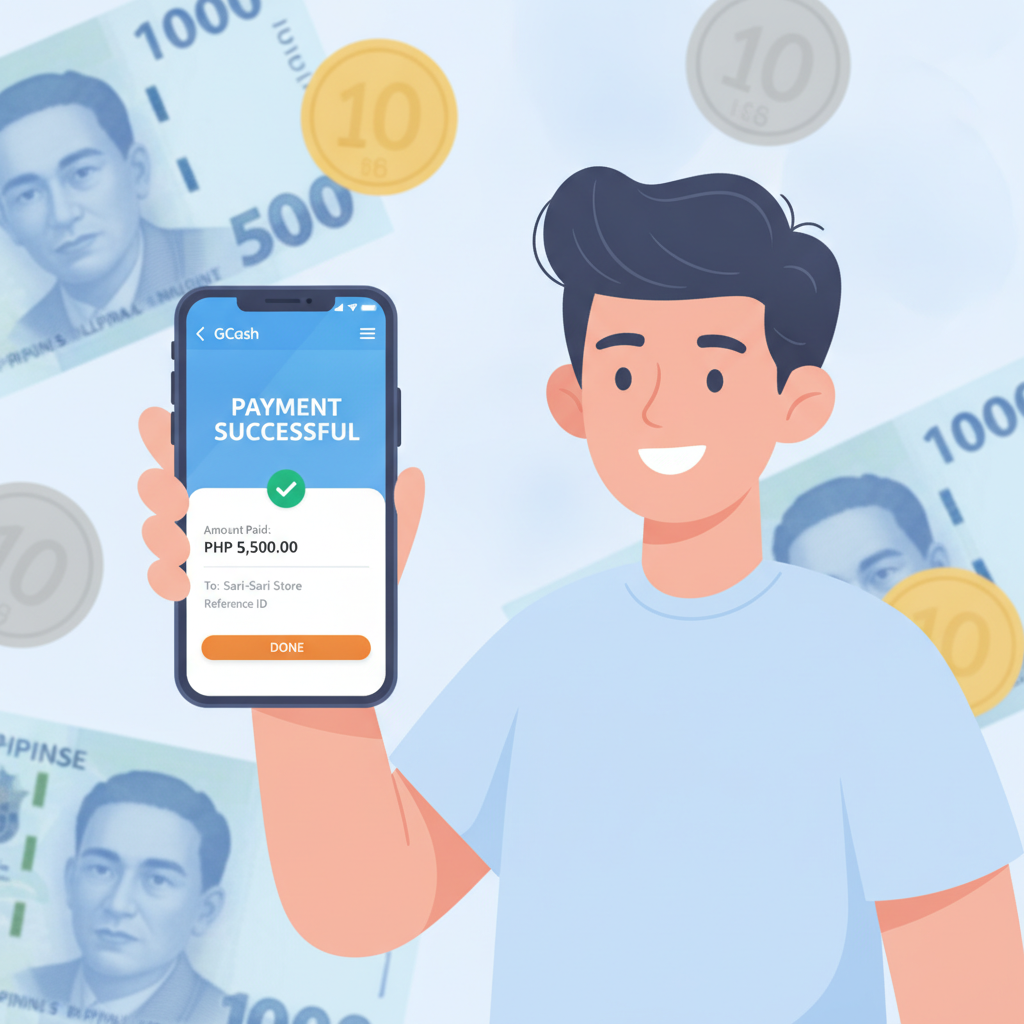
You'll see a confirmation screen in GCash showing the transaction was successful. Keep a screenshot of this confirmation; it's useful if you need to contact Royale Casino support.
Returning to Royale Casino
Once payment is authorized, GCash will redirect you back to the Royale Casino app or site. You should land on a confirmation page showing your deposit reference number and timestamp.
If the redirect fails or your screen freezes, don't submit the deposit again. Wait a few minutes, then check your Royale Casino balance manually to avoid duplicate charges.
How Long It Takes for Your Deposit to Appear
GCash deposits on Royale Casino are usually instant. In most cases, your account balance updates within seconds of authorizing the payment in the GCash app.
Occasionally, processing can take up to five minutes during peak hours—typically evenings and weekends when many players are online, or during major sporting events like PBA playoffs or NBA Finals games.
If your balance hasn't updated after five minutes:
- Close and reopen the Royale Casino app or refresh the webpage.
- Check your GCash transaction history to confirm the payment was deducted.
- Look for a transaction or deposit history section in your Royale Casino account. The deposit may be listed as "pending."
Avoid making a second deposit until you've confirmed the first one failed. If your GCash shows the money was deducted but your Royale Casino balance hasn't changed after 15 minutes, contact Royale Casino customer support with your GCash reference number and screenshot.
Checking Your Balance After the Deposit
Your updated balance appears in two places:
Main Account Balance
This is displayed at the top of the Royale Casino home screen, usually near your username or profile icon. The figure shows the total PHP amount available for wagering across all games—slots, live dealer tables, sports betting, and bingo.
After a successful deposit, this number should increase by the exact amount you sent via GCash. If you deposited PHP 100 and your previous balance was PHP 0, you should now see PHP 100.
Transaction or Deposit History
Navigate to your account settings or profile menu and find the Transaction History or Deposit Records section. This log lists every deposit you've made, including:
- Date and time
- Payment method (GCash)
- Amount
- Reference or transaction ID
- Status (completed, pending, or failed)
This record is helpful for tracking your spending. Before you start playing, take a moment to note how much you've deposited. Setting a mental or written limit helps you stay in control.
What to Do After Your First Deposit
Once your balance shows the deposited amount, you're ready to play. Here's how to make the most of your first PHP 100:
Try a variety of games. Don't spend everything on one slot machine. Place a few PHP 10 spins on different slots to see which themes and features you enjoy. Visit a live dealer table with a PHP 25–50 minimum bet to experience real-time casino play. If there's a PBA or NBA game coming up, place a small PHP 20–30 bet to see how sports wagering works.
Check minimum bet limits. Not all games accept bets as low as PHP 5 or PHP 10. Before joining a table or starting a slot session, look for the minimum and maximum wager information, usually displayed on the game thumbnail or lobby.
Don't chase losses. If you lose your first PHP 100 quickly, resist the urge to deposit again immediately. Take a break, review what happened, and decide later whether you want to continue.
Important Reminders: Age and Responsible Gambling
Royale Casino is for players aged 21 and over only. You must be at least 21 years old to register, deposit, and play. The platform may request government-issued ID during account verification to confirm your age and identity.
Gambling should be entertainment, not a way to make money or solve financial problems. Only deposit what you can afford to lose. If you find yourself depositing more than planned, feeling anxious about losses, or hiding your play from family, seek help. Organizations like Gambler's Anonymous and the National Center for Mental Health offer confidential support in the Philippines.
Set a budget before you log in. Treat your PHP 100 deposit as the cost of a night out—once it's gone, the session is over. Never borrow money, use funds meant for bills or groceries, or deposit more in hopes of winning back losses.
Royale Casino offers tools to help you stay in control, such as deposit limits and self-exclusion options. Explore your account settings to activate these features if you need them.
Final Checklist Before Your First Deposit
- Your Royale Casino account is registered and your mobile number is verified.
- Your GCash account name and mobile number match your Royale Casino registration details.
- You have at least PHP 100 loaded in your GCash wallet.
- You're depositing an amount you can afford to lose.
- You're 21 years old or older.
Making your first deposit with GCash is straightforward: select GCash in the deposit menu, enter PHP 100 or more, authorize the payment in the GCash app, and your balance updates within seconds. Once funded, explore Royale Casino's slots, live tables, and sports betting at your own pace—and always play responsibly.